How to Reduce Screen Time for Kids Without Daily Battles
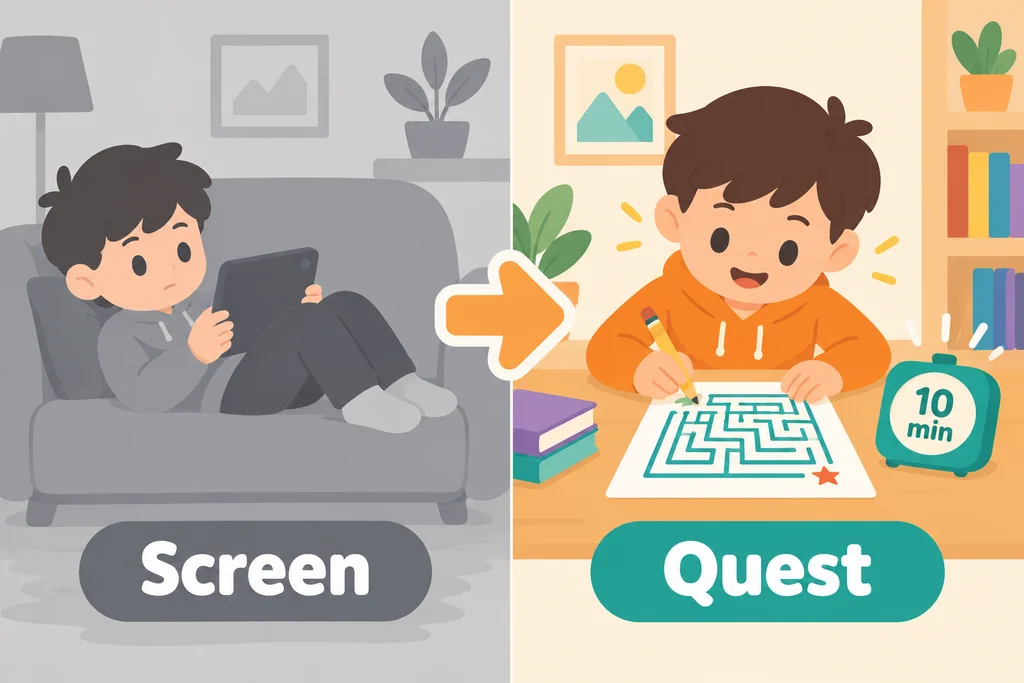
The easiest way to reduce screen time is to replace it one 10-minute block at a time with something your child can start and finish. Taking a tablet away with nothing to take its place invites a fight. Offering a clear alternative, a predictable routine and a visible timer turns the change into a swap instead of a loss. This guide gives you a step-by-step plan that works for ages 3 to 12.
Why screen-time fights happen
Screens are designed to be easy to start and hard to stop. They give instant rewards, endless content and no natural ending. When you ask a child to stop, you are asking them to leave something very stimulating for something quieter, with no warning and often no clear next step. Resistance is a normal response, not a character flaw.
Understanding this changes your approach. The goal is not to win an argument but to make the transition smoother and the alternative more appealing.
What the health guidance says
Official advice is general and gives families room to decide:
- The World Health Organization (2019 guidelines for children under five) recommends no sedentary screen time for babies under one, and no more than one hour a day for ages two to four, with less being better.
- The American Academy of Pediatrics offers a free online tool, the Family Media Plan, at healthychildren.org, which helps a family set screen-free times and places that suit them.
Use these as a reference and decide what fits your family. If you have questions about your child's health or development, ask your pediatrician.
The 7-step plan
Step 1: Observe for one week
Before changing anything, note when and how long your child uses screens. Look for patterns: after school, while you cook dinner, in the car. Those are the moments to plan alternatives for.
Step 2: Choose one block to replace
Pick the easiest block, not the hardest. If your child always watches a show while you make dinner, start there. One success builds momentum.
Step 3: Offer a 10-minute swap
Ten minutes is short enough that a child will try it, and long enough to feel complete. Have it ready before you ask: a printed page, a card game, a set of crayons. The Focus Quest Activity System is built around this idea: two activities, about 10 minutes, and a clear end.
Step 4: Give a warning and a visible timer
"Five more minutes, then we switch" is more effective than a sudden "turn it off." A timer the child can see moves the authority from you to the clock.
Step 5: Make the swap special
The first few days, let your child choose from two options. Choice reduces resistance. A card drawn from a deck of games feels like an event; the 50 Screen-Swap Cards in the system have seven types, each with three steps, an easy version and a harder version.
Step 6: Celebrate finishing
A sticker, a star on a chart, or a certificate at the end of the week shows progress. Keep it small and about effort ("you finished the whole maze").
Step 7: Stay consistent
Children test rules. If the swap happens at the same time each day and you follow through calmly, the pushback fades faster.
Sample swaps by situation
| Situation | Swap idea | Why it works |
|---|---|---|
| After school wind-down | Odd One Out page and a maze | Quiet, finishable, no talking needed |
| While you cook dinner | Tray Memory card game with a towel and small objects | Child can play near you |
| Car ride | Sound Safari or Pattern Spotting cards | Needs nothing but eyes and ears |
| Before bed | Belly Breathing or Five Senses Check-In | Calm and screen-free |
| Weekend morning | A dot-to-dot, then a coloring page | Slow start, no pressure |
For a longer list organized by age, see screen-free activities by age. For out-of-the-house moments, see waiting room and restaurant activities for kids.

What if my child refuses?
- Lower the bar. Offer a shorter version: one page, five minutes.
- Join in for the first few. Sit with your child for the first activity and then step back.
- Offer a choice of two. "Maze or dot-to-dot?" avoids a yes/no argument.
- Pair it with a routine. After snack, before dinner, always the same.
- Take a break and try again tomorrow. One bad day does not undo the plan.
What to avoid
- Using screen time as the main reward for finishing the alternative. It signals that the screen is the real prize.
- Making the swap feel like punishment.
- Switching rules from day to day.
- Expecting an instant change. Most families see a pattern settle over a few weeks.
Build a routine around it
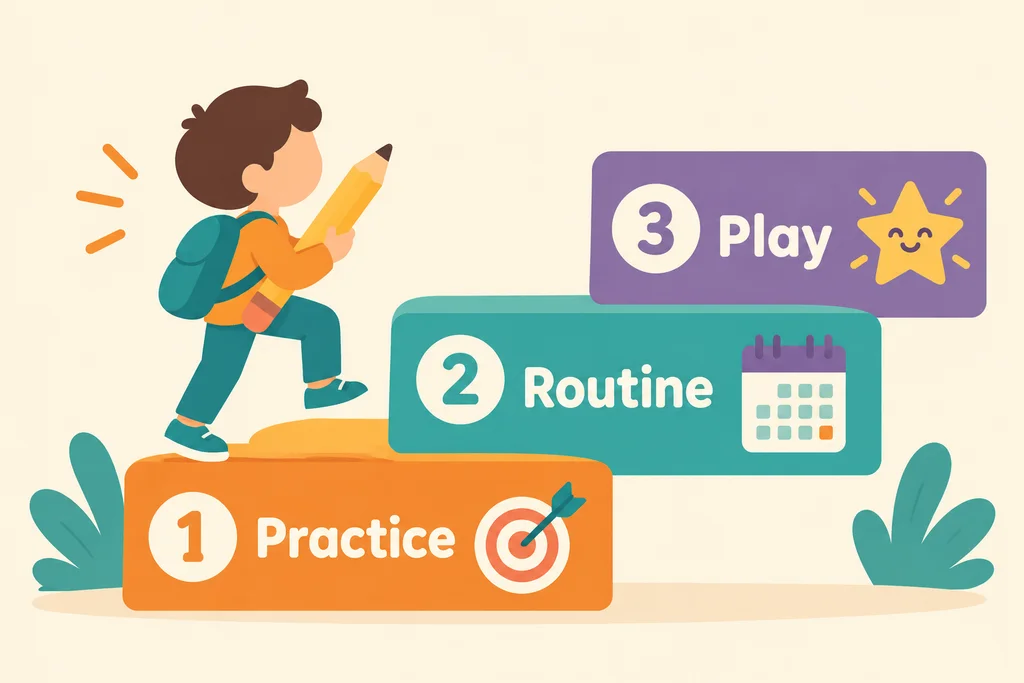
A routine removes the daily negotiation. The 10-Week Routine Planner that comes with Focus Quest lays out two activities a day, five days a week, with a printable calendar, so you never have to improvise. See the 10-week focus routine plan for how it works.
This content is general parenting information, not medical advice.